

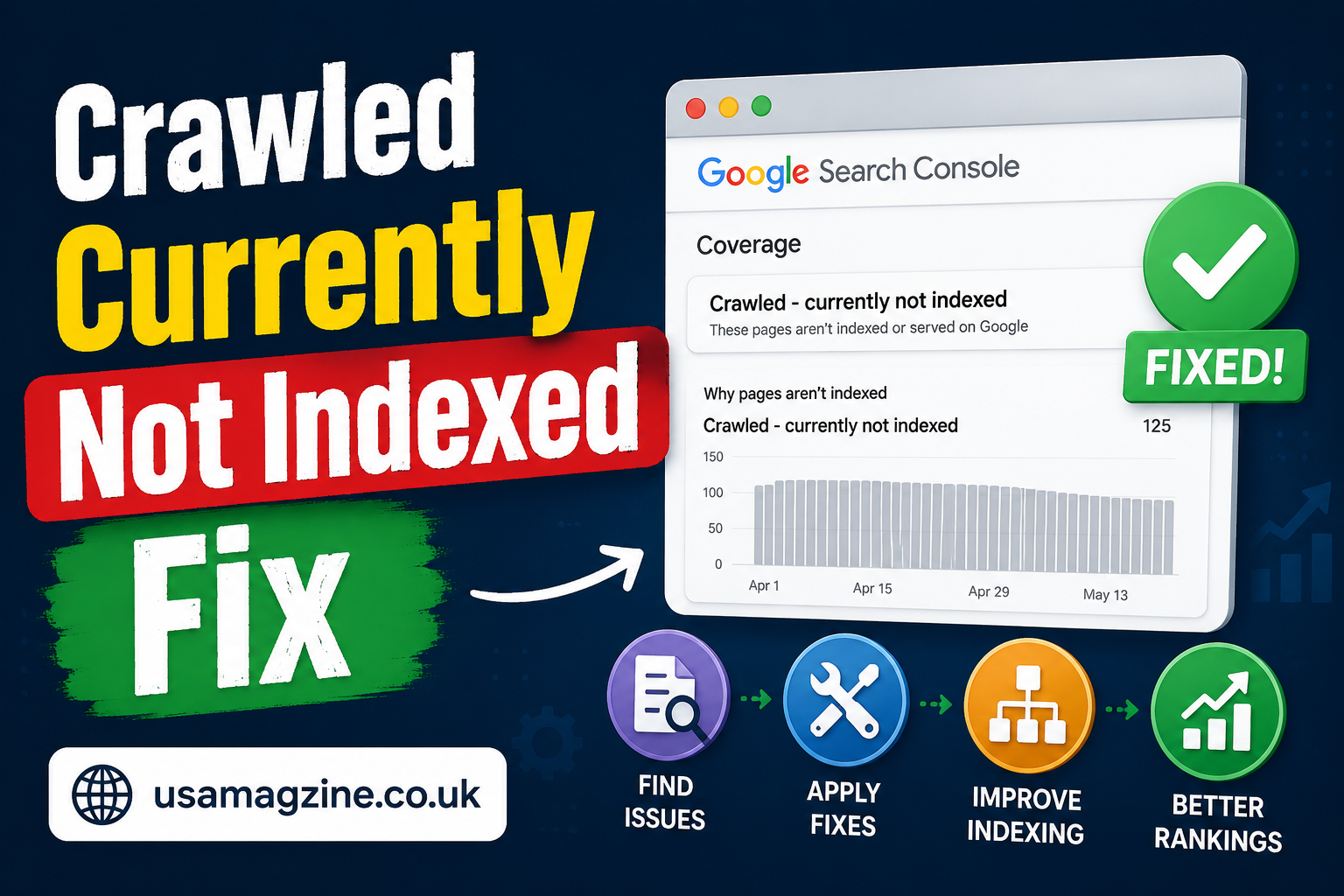
Crawled Currently Not Indexed Fix In the world of SEO, one of the most frustrating issues website owners encounter is the “Crawled – Currently Not Indexed” status in Google Search Console. This status indicates that Google has crawled your pages but has chosen not to index them. This can significantly impact your website’s visibility and traffic. In this article, we will explore what this status means, why it occurs, and how to fix it effectively. By the end of this guide, you’ll be equipped with the knowledge to troubleshoot and resolve this issue.
Understanding the “Crawled Currently Not Indexed Fix” Status
What Does It Mean?
When you see the “Crawled Currently Not Indexed Fix” status in Google Search Console, it means that Google’s crawler has visited your webpage but decided not to add it to its index. This can happen for various reasons, and it’s essential to understand the implications of this status. An indexed page is eligible to appear in search results, while a non-indexed page will not attract any organic traffic from search engines.
Why Is Indexing Important?
Indexing is a critical process in SEO because it determines how your content is presented in search results. If your pages are not indexed, you miss out on potential traffic, leads, and conversions. Being indexed means search engines recognize your content as valuable and relevant, allowing users to find it when searching for related queries.
Common Reasons for Non-Indexing
Several factors can lead to a page being crawled but not indexed. Understanding these reasons is the first step toward resolving the issue. Here are some common causes:
- Quality Issues: Google prioritizes high-quality content. If your page has thin content, duplicate content, or low-quality text, it may not be indexed.
- Technical Errors: Problems such as broken links, incorrect redirects, or server issues can prevent indexing.
- Manual Actions: If your site has violated Google’s guidelines, manual actions may prevent indexing.
- Robots.txt Rules: If your robots.txt file disallows Google from indexing certain pages, they will be crawled but not indexed.
Identifying the Root Cause

Use Google Search Console
The first step in addressing the “Crawled Currently Not Indexed Fix” status is to utilize Google Search Console (GSC). This tool provides valuable insights into how Google views your site. Here’s how to use it effectively:
- Coverage Report: Check the Coverage Report in GSC to see which pages are affected and the specific reasons for non-indexing.
- URL Inspection Tool: Use the URL Inspection Tool to analyze individual pages. This tool will give you detailed information about the crawl status, indexability, and any issues detected by Google.
- Performance Insights: Review the performance tab to identify any changes in traffic or impressions that might correlate with indexing issues.
Analyze Content Quality
After identifying affected URLs, the next step is to assess the content quality. Review each page to ensure it meets Google’s quality standards. Here are some factors to consider:
- Originality: Ensure your content is unique and not duplicated from other sources.
- Depth: Aim for comprehensive coverage of topics that provide value to users. Longer, well-researched articles tend to perform better in terms of indexing.
- Engagement: High bounce rates or low time on page can signal to Google that your content is not valuable, impacting its likelihood of being indexed.
Check for Technical Issues
Technical problems can also lead to pages being crawled but not indexed. Here are some technical aspects to check:
- Redirects: Ensure that the pages are not redirecting improperly. Use tools like Screaming Frog or Sitebulb to analyze your redirects.
- Server Response: Check if your server is returning a 200 status code for the affected URLs. A 404 or 500 error can prevent indexing.
- Canonical Tags: Ensure your canonical tags are set correctly. Incorrect canonicalization can confuse Google regarding which page to index.
Fixing the Issue
Improve Content Quality
If you determine that content quality is the issue, take the following steps to improve it:
- Enhance Existing Content: Update your pages with more in-depth information, images, and examples. Aim for at least 1,000 words of high-quality content for better indexing chances.
- Add Internal Links: Linking to other relevant pages on your site can help Google understand the context and importance of your content.
- Optimize for Keywords: Ensure you are using relevant keywords throughout your content, including in headings, subheadings, and meta descriptions.
Resolve Technical Issues
If technical errors are the culprit, follow these recommendations:
- Fix Redirects: Ensure that all redirects lead to the correct destination. Avoid redirect chains, as they can confuse search engines.
- Address Server Errors: Investigate any server response issues. Contact your hosting provider if necessary to resolve server errors.
- Review Robots.txt: Check your robots.txt file to ensure it does not block important pages from being crawled and indexed.
Request Indexing
After making the necessary changes, you can request indexing through Google Search Console:
- Use the URL Inspection Tool: Enter the affected URL and click on “Request Indexing.” This prompts Google to crawl the page again.
- Monitor Changes: Keep an eye on the Coverage Report in GSC to see if the pages are indexed after your request.
Frequently Asked Questions (FAQ)
What does “Crawled – Currently Not Indexed” mean?
This status indicates that Google has crawled your webpage but has not included it in its index. As a result, the page will not appear in search results.
How can I check if my pages are indexed?
You can check if your pages are indexed by performing a site search on Google. Enter “site:yourdomain.com/your-page-url” into the search bar. If the page appears, it is indexed.
How long does it take for Google to index my pages after fixing the issue?
The time it takes for Google to re-crawl and index your pages can vary. It may take a few days to several weeks, depending on various factors, including your site’s authority and crawl budget.
Can I force Google to index my pages?
While you cannot force Google to index your pages, you can request indexing through Google Search Console. This increases the likelihood that Google will crawl your pages sooner.
What should I do if my pages still aren’t indexed after following these steps?
If your pages remain unindexed after addressing content quality and technical issues, consider seeking professional SEO advice. An expert can conduct a more thorough analysis to uncover underlying problems.
Quick Facts about Indexing Issues
| Fact | Details |
| Common Cause | Low-quality content, technical errors, manual actions, or robots.txt restrictions. |
| Importance of Indexing | Indexed pages can appear in search results, driving organic traffic to your site. |
| Tools to Use | Google Search Console, Screaming Frog, and Sitebulb for analysis and troubleshooting. |
Conclusion
The “Crawled Currently Not Indexed Fix” status can be a significant hurdle in your SEO journey, but it is not insurmountable. By understanding the underlying causes and taking proactive steps to address them, you can improve your chances of getting your pages indexed. Utilize the insights from Google Search Console, enhance your content quality, and resolve any technical issues to optimize your site for indexing. Remember, SEO is an ongoing process, and staying vigilant will help you maintain your site’s visibility in search results.
YOU MAY ALSO READ